


Video&Drama Player All Format
Griffin Atlas USA
I came away from Video&Drama Player All Format with a fairly clear impression: it is a practical, broad-format media player that aims to keep video and music playback in one uncomplicated place, but it is not automatically the best choice for people who want a deeply configurable player or a polished streaming ecosystem. Its appeal is easy to understand. I can open it when I have a video saved on my phone, want to listen to an audio file, or need a straightforward way to handle different media formats without moving between several apps.
The app sits in the video players and editors category and is developed by Griffin Atlas USA. It is free to use, carries an Everyone age rating, and works on devices running Android 7.0 or later. Those details make it accessible to a wide range of Android users, especially people using older phones who do not want to replace their device just to try a newer media player. The current release is version 1.1.7, and the app has reached over five million installs, so it is not an obscure experiment with no audience.
What makes the player useful in everyday use
The central strength is convenience. The app presents itself as a high-definition video player and music player, and that combination is useful in ordinary situations. I can imagine using it after downloading a family video, receiving a clip through a messaging app, or transferring a movie from a computer. Instead of treating video and music as completely separate tasks, the app gives both a place inside the same playback tool.
That matters most when the phone already contains media from several sources. A dedicated streaming service is excellent for its own catalog, but it usually does not help much with personal files. The default phone player may open common clips but struggle with less familiar formats or offer only basic controls. A general-purpose player such as this one is more useful when the content is already stored locally and the main question is whether it will play smoothly and be easy to find.
In my experience, the broad-format idea is more valuable than the word “HD” by itself. High-definition playback depends on the original file, the phone’s screen, and the device’s ability to decode that file. The app cannot turn a low-quality recording into a sharp one. What it can do, as a concept, is give users a single place to try different personal media instead of assuming every file will be handled by the same built-in application.
Latest News

Uber Eats Under Pressure: What Happens When Delivery Goes Wrong

How QR & Barcode Scanner Adapts to Android and iOS Innovations

Why Waze Navigation & Live Traffic Is Your Essential Travel Companion

CapCut Mastery: Unleash Hidden Features for Pro-Level Editing

How OS Updates Enhance Roblox Adventures

Teacher Simulator: Exam Time Turns Quick Classroom Judgments into a Repetitive Loop
A realistic example is a long train journey. Before leaving, I might copy several videos and a few albums to my phone. With a player like this, I would want to browse those files, start a video, switch to music later, and avoid depending on a mobile connection. That offline workflow is one of the strongest reasons to consider it. It is also a good fit for users who keep tutorials, lectures, downloaded clips, or recordings on their device rather than consuming everything through online platforms.
There is another small but important advantage to combining video and audio playback: fewer decisions. If I only need to open a file and press play, I do not want to compare a separate music app, a separate video app, and a format-conversion tool. A single player can reduce that friction. This is especially helpful for family members who are comfortable with basic playback but do not want to learn several interfaces.
Where the simple approach works best
The app makes the most sense as a local media utility, not as a replacement for every entertainment app on the phone. I would use it for files I own or have already saved, then return to services such as YouTube or subscription platforms when I want recommendations, synchronized libraries, or online catalogs. That distinction keeps expectations realistic.
Gallery
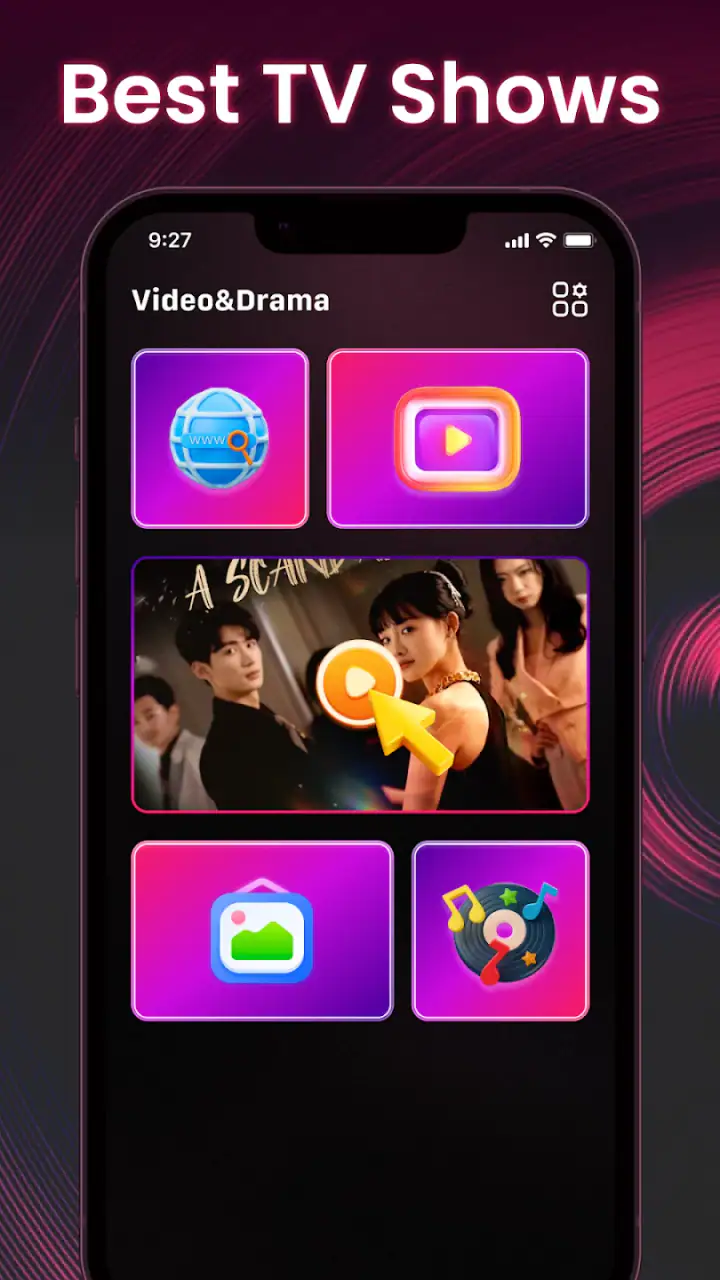
For example, someone who records a school performance on a phone may want to review the clip later without uploading it anywhere. A local player is a sensible choice because the file remains part of the phone’s own media collection. Likewise, a person who downloads language lessons or exercise videos for offline use may appreciate having a player that handles both spoken content and music in one place.
One practical habit improves the experience with any broad-format player: keep personal files organized before opening the app. I would separate videos, music, recordings, and temporary downloads into recognizable folders. A player can make playback easier, but it cannot fully solve a chaotic storage system. Taking a few minutes to rename files also helps when several clips have generic names from messaging apps.
Another useful trade-off is to test an important file before relying on the app for a trip or presentation. “All format” is an ambitious promise in ordinary language, but media files can differ in codec, audio track, subtitles, resolution, and container. If a particular video matters, I would open it at home, check the sound, and confirm that seeking through the file feels reliable. That simple check is more valuable than discovering a compatibility problem when there is no internet connection or no alternative player available.
Controls, browsing, and the limits of convenience
A general player has to balance a large range of users. Someone may want nothing more than play and pause, while another person expects gesture controls, detailed subtitle settings, playback speed, audio selection, casting, equalizer tools, or extensive library management. The more ambitious the feature set, the more crowded the interface can become. A simpler design may feel better for casual playback, but it can disappoint advanced users who want to adjust everything.
This is where I would judge the app by the kind of media routine I have. If I mostly open a file, watch it, and close the player, its broad purpose is enough to make it useful. If I maintain a carefully tagged music collection, rely on playlists, or need precise control over several audio and subtitle tracks, I would compare it closely with established specialist players before making it my default.
The same applies to video organization. A player is not necessarily a full media library. I would not assume that a large folder of files will automatically become a perfectly sorted catalog with rich artwork and meaningful categories. Users with extensive collections may prefer an app built around library management, while this player is more naturally suited to direct access and casual playback.
That limitation is not a flaw for everyone. In fact, too many menus can slow down the exact task casual users want to complete. My criticism is simply that the app’s broad promise should not be confused with professional-level media management. It is a convenient playback option, not automatically a complete home theater system or a replacement for a dedicated music organizer.
Who should install it, and who should look elsewhere
I think the best audience is Android users who keep videos or music files on their phones and want a free, uncomplicated player. The fact that it supports Android 7.0 and later makes it relevant to people with older hardware, while the Everyone rating keeps it suitable for general household use. I would particularly recommend trying it if the built-in player has trouble with some personal files or if switching between separate video and music apps has become annoying.
It may also suit students, travelers, parents, and anyone who handles media received from different sources. A student could keep recorded lessons and audio practice files together. A traveler could prepare offline entertainment before leaving home. A parent could use it to open family videos without sending them to a social platform. In each case, the value comes from direct local playback rather than online discovery.
On the other hand, I would hesitate to recommend it as the only media app for a person who depends heavily on streaming, cloud synchronization, or a sophisticated music library. Streaming services remain better for finding new content, continuing playback across devices, and keeping subscriptions organized. A specialist video player may be preferable for users who need advanced subtitle handling, detailed audio controls, or a carefully managed film collection.
The rating gives a useful signal about expectations. The app has an average rating of 3.3 from around 1.8 thousand ratings, alongside 122 written reviews. I read that as a reason to approach it with measured expectations rather than assuming it will work perfectly for every file and every phone. Its audience is large enough to show clear interest, but the middling score suggests that ease of use and compatibility may not feel identical for all users.
I would also think about how much storage and battery pressure my phone already experiences. Any local video player still depends on the device’s available space and decoding capability. Large high-resolution files can be demanding, especially on older hardware. If playback stutters, I would first test a smaller or more common file and close unnecessary apps before deciding that the player itself is unsuitable. That is a practical troubleshooting step, but it also highlights why people with demanding media collections may prefer a more specialized solution.
For a reliable routine, I would use the app in three stages. First, I would keep important files in clearly named folders. Second, I would test unusual or especially large videos before traveling. Third, I would keep a second playback option available if the file is important. That last point is not an indictment of this app; it is sensible whenever media comes from many devices and formats. The trade-off is convenience versus certainty: one player is easier, while two players provide more backup.
Griffin Atlas USA has positioned this app around a familiar need rather than a complicated workflow. That is its strongest identity. I do not need to learn a production suite or edit a clip to benefit from it. I simply need a place to play local video and music. The app’s category may mention video players and editors, but my recommendation is based on its playback role, not on treating it as a full editing workstation.
After using it as a general local player, I would describe it as a sensible free option with a clear everyday purpose. It is worth trying when the priority is opening personal media in one app, especially on an older Android device or in situations where offline access matters. I would not choose it blindly for a demanding collection, a professional workflow, or a streaming-centered lifestyle.
My final verdict is cautiously positive: this is a useful first choice for straightforward video and music playback, provided you test the files that matter most to you. Its accessibility, free price, and broad role make it easy to recommend to casual users, families, and offline viewers. More experienced media users should compare it with a specialist player before switching completely, because convenience does not guarantee the deepest controls or the most refined library experience.
In short, I see Video&Drama Player All Format as a practical tool rather than a definitive media platform. It earns a place on my shortlist when I want local playback without unnecessary complication. Just keep your expectations focused on that job, organize your files, and treat compatibility testing as part of the setup. Used that way, it can make everyday media playback noticeably simpler.
FAQs for Video&Drama Player All Format
What video formats does Video&Drama Player All Format support?
Video&Drama Player All Format supports a wide range of video formats, including MP4, AVI, MKV, FLV, and more. This versatility ensures you can play virtually any video file without needing to convert it first, making it a convenient choice for users with diverse media collections.
Does Video&Drama Player All Format require an internet connection to work?
No, Video&Drama Player All Format does not require an internet connection to play videos. It operates offline, allowing you to watch your downloaded or locally stored videos without any interruptions. However, some features like online streaming may need connectivity.
Can I customize subtitles with Video&Drama Player All Format?
Yes, Video&Drama Player All Format offers extensive subtitle customization options. You can adjust the font size, color, and position to suit your preferences. It also supports multiple subtitle formats, making it easy to enjoy foreign films or shows with ease.
Is Video&Drama Player All Format user-friendly for beginners?
Absolutely, Video&Drama Player All Format is designed with a user-friendly interface that's intuitive for both beginners and experienced users. The app provides easy navigation, clear icons, and helpful guidance to ensure a smooth experience from the first use.
Are there any in-app purchases or ads in Video&Drama Player All Format?
Video&Drama Player All Format offers a free version with ads, but there are optional in-app purchases to remove ads and unlock premium features. These purchases enhance functionality and provide a more streamlined viewing experience without interruptions.
Pros
- Supports all video formats seamlessly.
- Easy-to-use interface with intuitive controls.
- High-quality playback with no lag.
- Offers subtitle support for various languages.
- Customizable playback settings.
Cons
- Contains occasional ads during playback.
- Some features require in-app purchases.
- Limited theme customization options.
- Doesn't support cloud storage integration.
- Subtitle loading can be slow at times.


